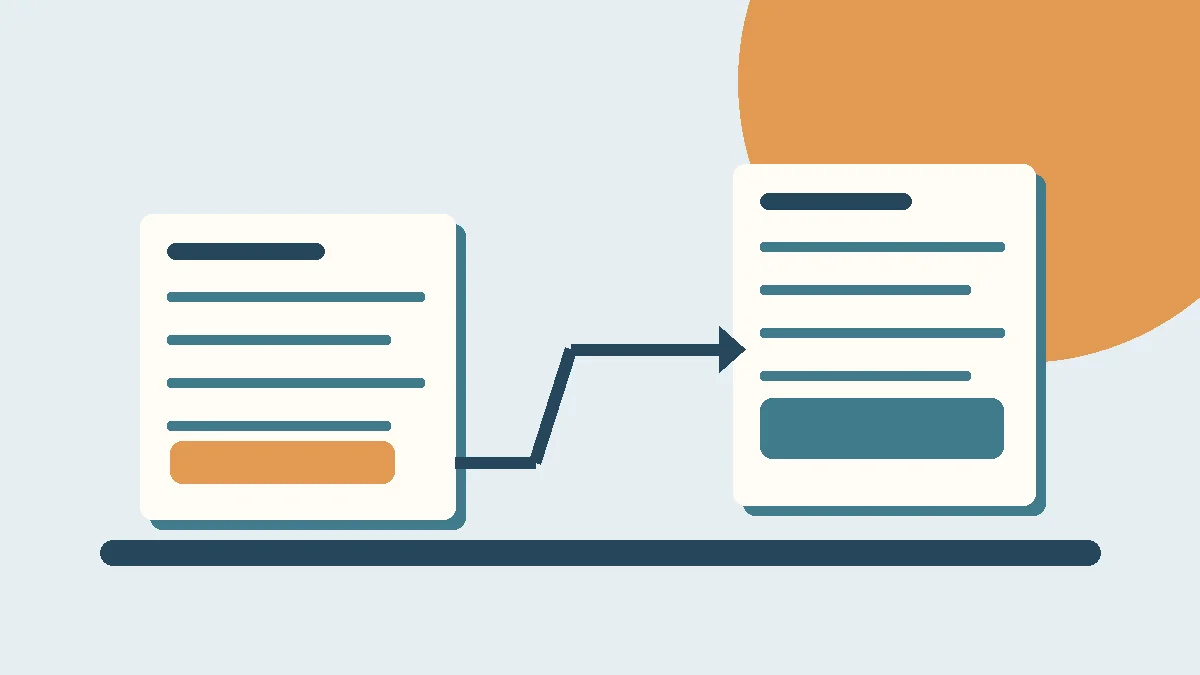
Cum găsiți linkurile din articole care trimit la o ofertă expirată. Pentru cititor, problema apare…
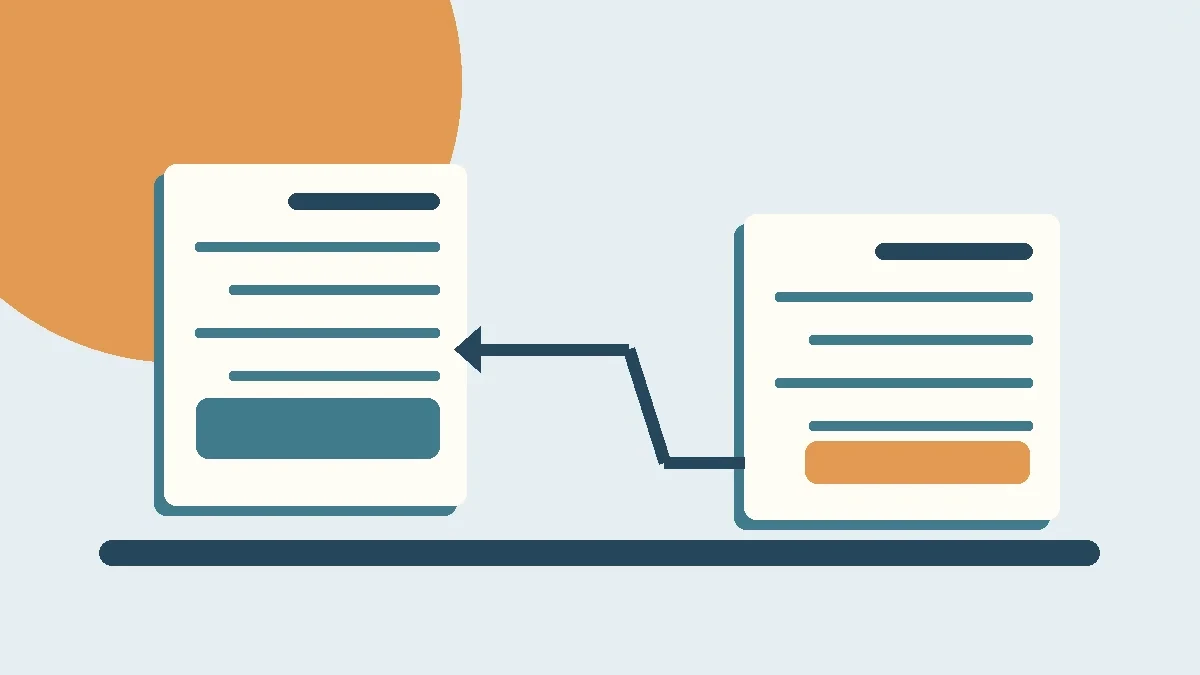
How to find links in old articles that still promise an expired offer
How to find links in old articles that still promise an expired offer. Readers discover the problem after clicking: the article promises a discount or registration, while the destination displays a closed form.
Begin with a sentence that asks readers to claim something today. Keep its wording beside the evidence from the destination.
How to find links in old articles that still promise an expired offer
Copy the words readers can click and the sentence that tells them why to click. A link labelled “details” might be entirely appropriate in a conference archive and misleading under a promise that tickets are available at last year’s price.
Start with the offer and work back to the article
Take the campaign address from the commercial team's records and search articles for the complete address and the relative path. In WordPress, links to the same page can be stored in either form.
Repeat the search using the name of the offer. A button may use a shortened address, and an older article may mention the deadline without linking to the campaign at all.
Read the surrounding sentence before changing the link
If an article says that registrations close on Friday, replacing the link with the general services page leaves a promise the reader cannot act on. Establish whether the passage is a historical account or an instruction intended for someone reading today.
In a report about a previous conference, a link to the archive may still be useful when it identifies the year and the outcome. A registration guide needs to identify the edition currently open and its applicable deadline.
Make a decision for each occurrence
Review discount buttons against the product and the terms of the offer and, for registration forms, check which edition they accept. For archived event pages, check whether the promised historical material is still available.
| Reader sees | Editor checks |
|---|---|
| Discount button | Product and terms |
| Booking form | Edition accepting requests |
| Archived event | Original programme |
| Redirect to catalogue | Specific promise in the article |
Test the route from the article
Click the words that promise the offer and inspect the actual landing page. Check the language and product variant, particularly when the retailer changes its country setting to match the browser.
Record any campaign dates or promotional codes embedded in images. Changing a button in the article does not change text drawn on an older cover.
Establish which part of the offer ended
Ask the campaign owner for the version of the terms that readers could see before placing an order, including restrictions on products or delivery areas. At a photography workshop, for example, the early booking rate might end while ordinary registration stays open, leaving two articles that point to the same working form in very different editorial states.
Write down what a reader arriving from the workshop article could reasonably expect to do and what evidence would establish that the action is still available on the advertised terms. If the form shows seats at the standard rate, an article promising an early booking discount needs attention even though an interview linking to registration might still be accurate.
Find out whether the deadline applied to submitting a request or to paying for the booking, especially if the article used a loose phrase such as “reserve by Friday”. Keep the wording from the approved terms and the contact who can resolve any discrepancy before making another public promise about what happens when a reader reserves a place.
- Identify the product and edition.
- Record the eligibility condition.
- Find the time at which the offer ends.
- Name the person who can confirm an extension.
Find mentions that an address search misses
For the workshop, search for the instructor’s name alongside the event title and inspect articles published around the time registration opened. A review of the previous workshop might end with a button for the following edition, although neither its headline nor its address contains a word about tickets or discounts.
An invitation in a WordPress synced pattern can appear across multiple articles while its content is maintained in one place, including pages an editor has scarcely touched since publication. Consult the WordPress guide to synced patterns and identify the other uses before replacing the invitation everywhere with a message that suits only the current sales page.
Read the alternative text for a promotional banner and inspect the image itself, since a price drawn into an illustration will remain there after an editor changes the surrounding copy. If the original image documents a past launch, preserve it in the dated review and choose a different image for the guide that readers consult to find current offers.
Work backwards from the ordinary product page as well, looking for incoming links whose wording still promises a discount or a bonus. Searching only for the retired campaign address misses precisely the articles someone has already half repaired by changing the destination and leaving the offer intact in the surrounding sentence.
Understand what a successful request establishes
In the HTTP standard published in 2022, status code 200 indicates that the request succeeded, with the meaning of the response content depending on the request method. A successful request for the workshop page could return either an open booking form or photographs from the closing session, so an editor still has to read the page.

| HTTP | Meaning |
|---|---|
| 301 | Moved permanently |
| 302 | Found at another URI temporarily |
If a redirect takes readers to the organiser’s catalogue, record the final destination and the name of the first product a reader can identify there without making another choice. When visitors must guess which category contains the advertised workshop or can find only recorded lessons, the catalogue answers a different question from how to reserve a seat in the room.
When the destination offers a waiting list, establish exactly what happens upon registration and ask the organiser whether joining confirms a place or merely requests a future notification. Replace a promise to reserve a seat with an invitation to receive updates only when the destination explains that outcome and the article still gives readers a reason to follow the link.
Decide what belongs in the historical account
In an interview recorded before the workshop, retain the terms available on the interview date if they explain a question the interviewer asked or an answer the instructor gave. Put a dated note beside the invitation and link to the archived programme only if the destination identifies the edition that the participants were actually discussing.

| HTTP | Meaning |
|---|---|
| 404 | Resource not found or not disclosed |
| 410 | Access gone, likely permanently |
In a standing guide to choosing photography courses, read the entire example surrounding the offer and determine whether its advice depends on the price or on the instructor being present. If the new edition replaces field practice with recorded video, updating the link would change the substance of the recommendation even if the course retains its familiar name.
For a sponsored article, identify who can approve changes to the commercial wording and whether the agreement calls for a dated record of the original campaign. Keep a copy of the approved amendment alongside the decision for that placement so another editor can explain why the invitation in the sponsored interview differs from the one in an independent purchasing guide.
Follow the route available to an eligible reader
Open the article on a phone and tap the part of the banner that carries the discount message, especially if the narrow layout uses a different image or button. Record cases where the paragraph leads to the current edition but a mobile banner still opens last year’s form, since fixing one route leaves the other reader facing the same problem.
For a retailer serving different delivery countries, choose the region mentioned in the article and record the currency in which the advertised rate appears before checkout. If the offer applies only to invited account holders, consult the published terms for that group and ask the retailer to confirm any remaining step an ordinary visitor cannot inspect.
An editorial check can stop where the next step would submit someone’s details or commit to payment, provided the record says exactly how far the reviewer went. Distinguish what appeared on screen from anything the organiser confirmed separately, especially when a reader must sign in to discover whether a discount applies to a particular camera or workshop date.
- Start on the article making the promise.
- Follow each distinct button.
- Compare the edition and the terms shown.
- Record the final destination beside the decision.
Set the order of repairs
When many articles mention the same promotion, start with those most likely to prompt an unnecessary purchase or journey today. An article directing readers to a venue to register deserves attention before a review whose clearly dated caption identifies everyone in the photograph as participants in a past event.
Group occurrences caused by the same redirect for the person maintaining the site, but preserve a separate editorial decision for invitations with different meanings. If the redirect to the catalogue affects both an interview and a buying guide, the maintainer needs both examples to avoid sending readers looking for the original programme to a sales page for the new edition.
On the final pass, enter through the public archive using the headline a reader would recognise and check the excerpt before opening the article. A summary written specifically for the listing may still advertise the old price after the main copy has been corrected, so record that placement whenever editors can change it independently.
Give the next offer a review date
When the commercial team approves a new campaign, ask when its availability must be checked again. Assign someone who can confirm an extension, so that editors do not have to infer it from a page that still loads.
When a discount returns seasonally, keep the evidence for the particular edition you checked instead of treating the reappearance of a familiar banner as confirmation that an old code works again. A retailer may keep the campaign name and change the eligible products, so an article about a particular camera needs confirmation for that model before it can recommend the offer again.
Leave the incoming editor an example of a resolved placement and another for which information is still missing, along with a precise account of the difference. For the photography workshop, the outstanding question might be the date when field practice resumes, even though the instructor’s page already lets readers subscribe to announcements about future courses.
If a partner later asks for all historical mentions to point to the same address, revisit the purpose of each passage before changing the archive. Readers arriving from the interview may need evidence of what was offered at a past event, while those following a link from a current commercial listing need the terms that apply to them today.
Readers working with Romanian campaign owners can consult the Romanian-language pages on sponsored links and client reporting when recording their decisions. The content marketing guide and editorial archive provide further examples for teams reviewing published material.
Related Posts